Context Grammar — Floor 6

Disclosure × Autonomy

Two dials. One controls how much the AI knows about you. The other controls how much it can act on your behalf. Neither is purely yours to set.

Trust Design

Becoming a regular

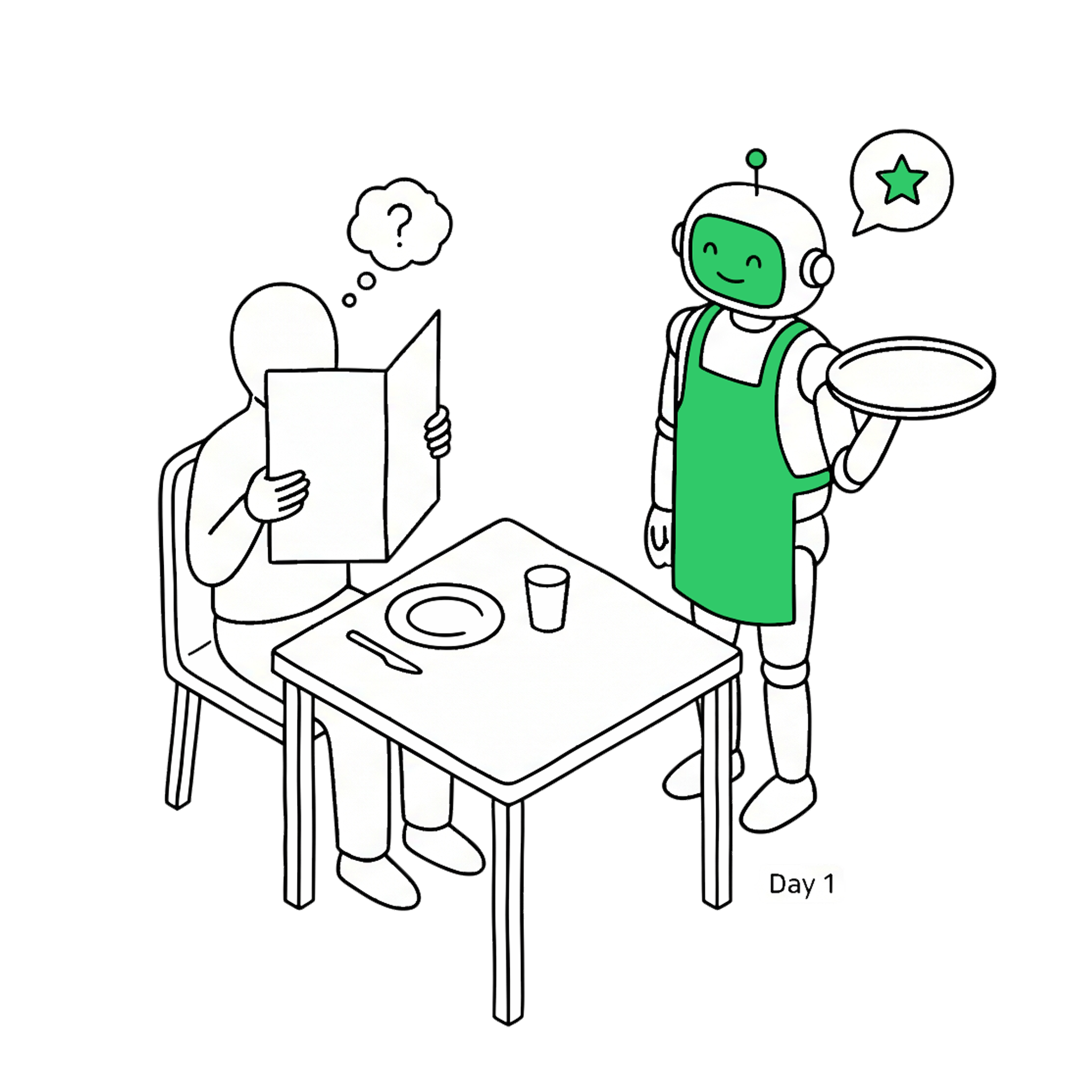
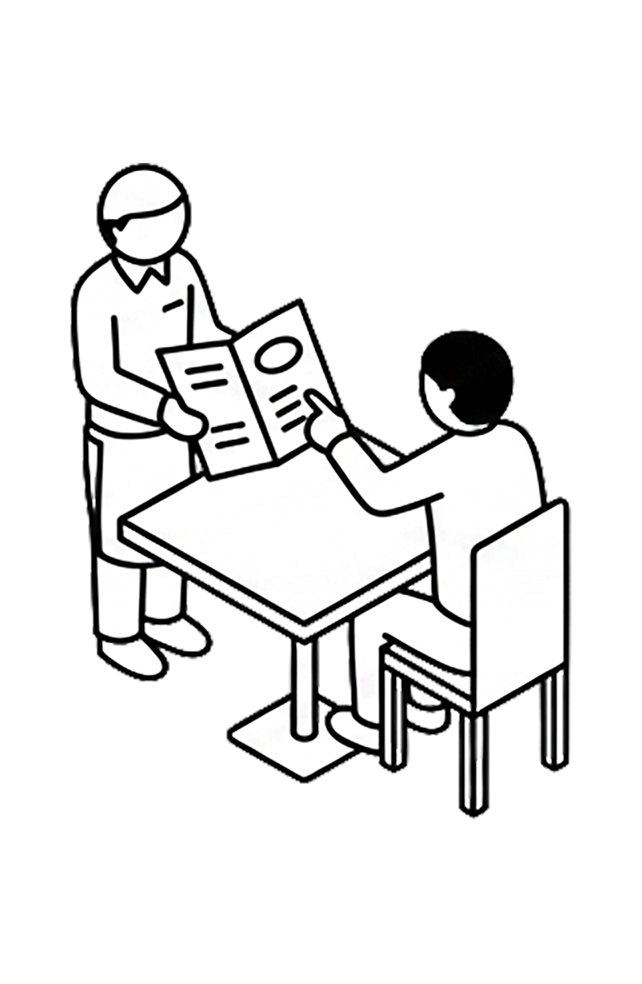
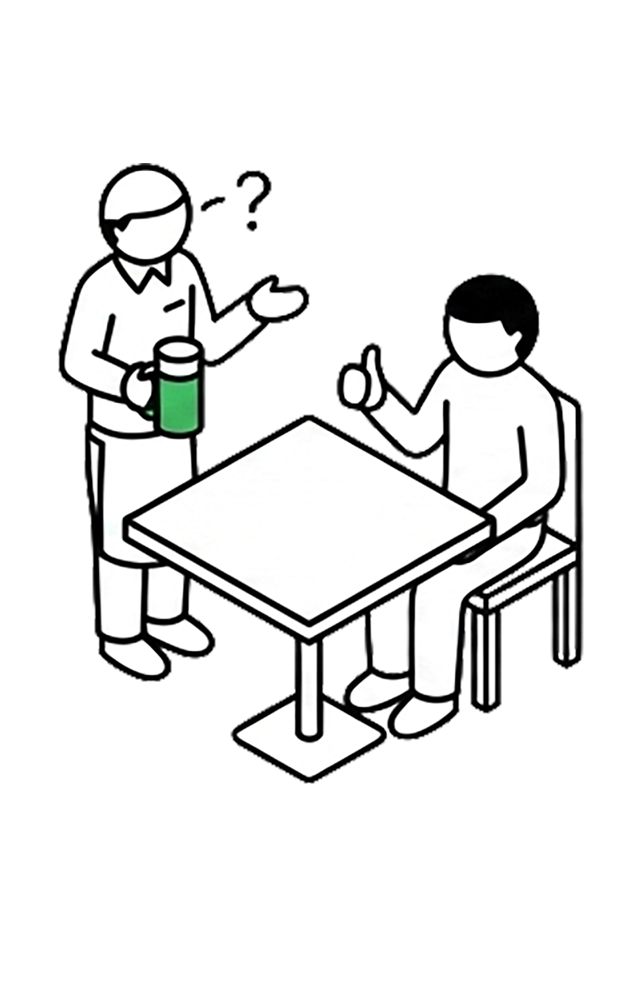
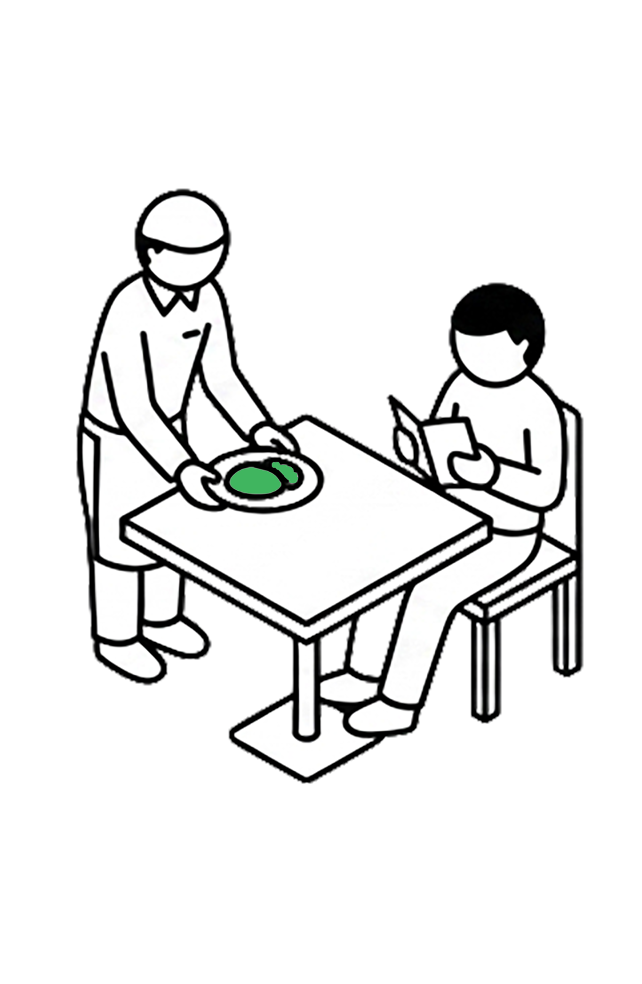
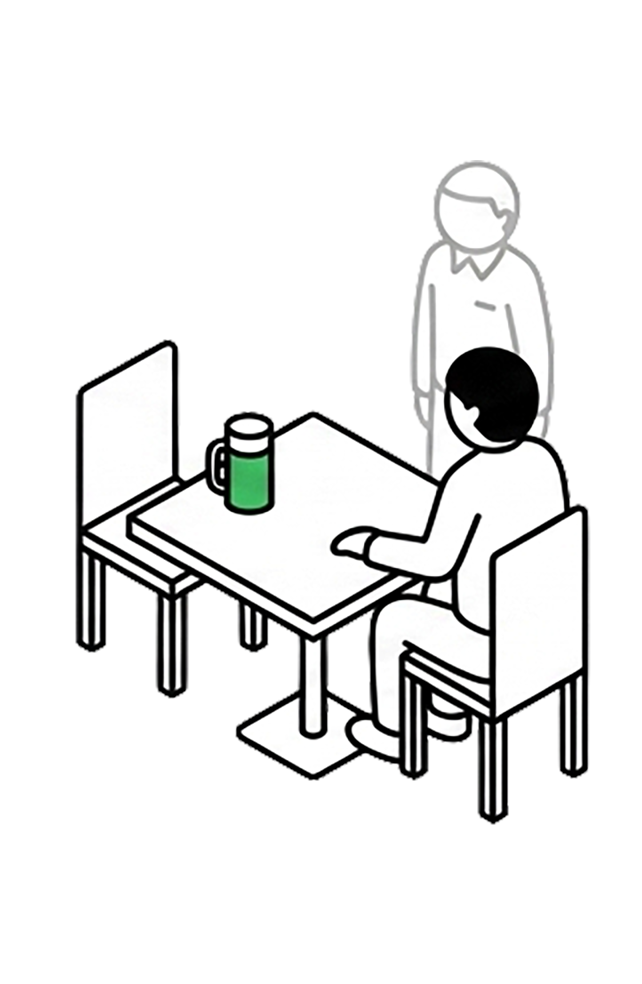
The first time you walk into a restaurant, you read the menu, order carefully, and wait to see. If the food is good, you come back. By the tenth visit, the waiter brings your usual beer before you sit. By the hundredth, you say "surprise me" — and they do, perfectly.

Day 1 — a customer sits at a table while an AI waiter approaches, both uncertain

That progression is not automatic. It required two things happening in parallel: you told them more about yourself over time, and they earned the right to act on your behalf. Neither alone is enough.

Disclosure and Autonomy are those two movements. Context Grammar names them, structures them, and connects them — so AI relationships can grow the same way.
The Distinction

Two separate questions

Disclosure and Autonomy feel related — they are not the same question. Confusing them produces broken AI product design.

Disclosure Dial

How much does the AI know?

Information access — what you let the AI see about you, per domain, per person. Think of a window blind: how open is it?

  • Health AI gets full view — history, medications, patterns
  • SNS AI gets nothing — topics only
  • Finance AI gets summary — categories, not line items
  • Same person, three different disclosures
vs

Autonomy Dial

How much can the AI act?

Decision authority — how much judgment and execution you delegate. Four stages: Suggest, Confirm, Notify, Auto.

  • Weekly groceries: Auto — known preferences, bounded spend
  • Large purchases: Confirm — show me first
  • New subscriptions: Suggest — I decide
  • Trust level varies by domain and track record

Memory aid: Disclosure is the window — how much light comes through. Autonomy is the steering wheel — who is driving. You can have an open window with your hands still on the wheel. The reverse — hands off the wheel with the windows blacked out — is where the logic breaks down. Section C explains why.

Protective

Protect — Controlling what you share

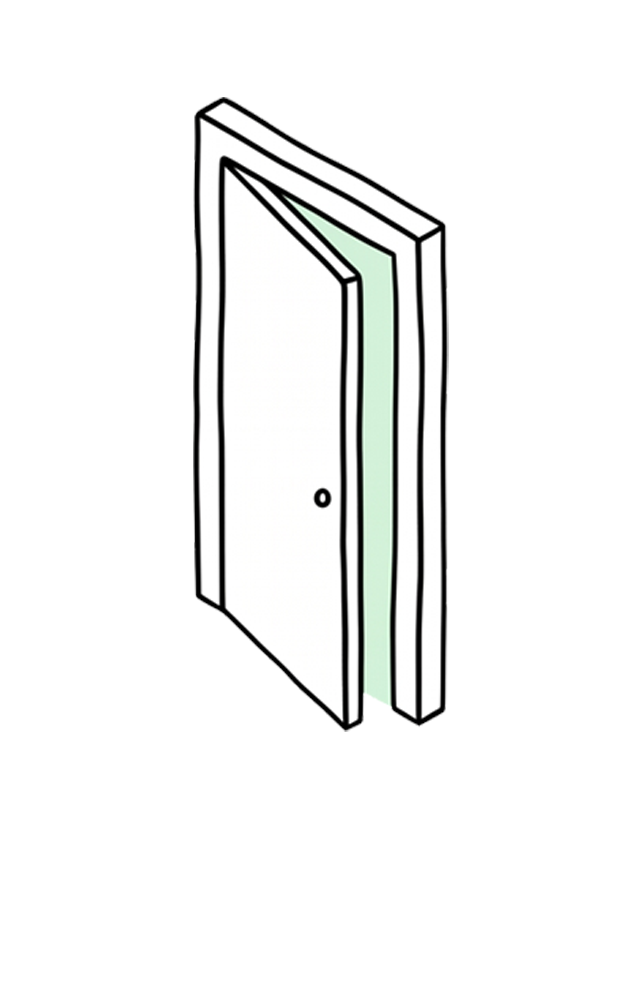
Full — door wide open

01

Full

Share everything. The AI can make deeply personalized decisions.

Medical AI: full health data shared

Summary — door partially open

02

Summary

Share the outline only. Enough to be cautious, not enough to optimize.

Fitness AI: "somewhat inactive" only

Existence — door barely cracked

03

Existence

The AI knows something exists but not what. Proceeds with extra caution.

Travel AI: "has dietary needs" only

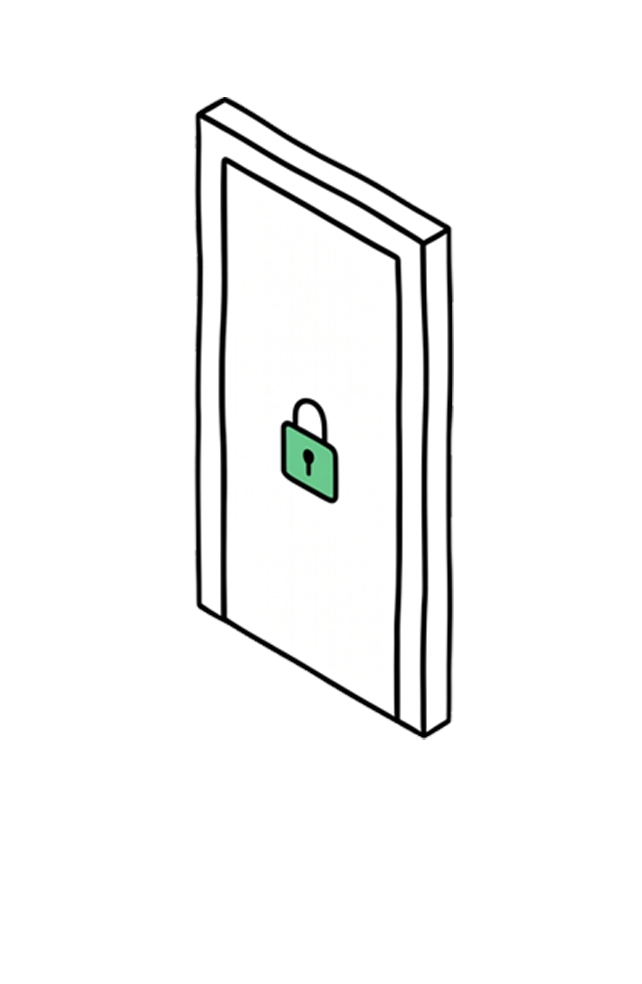
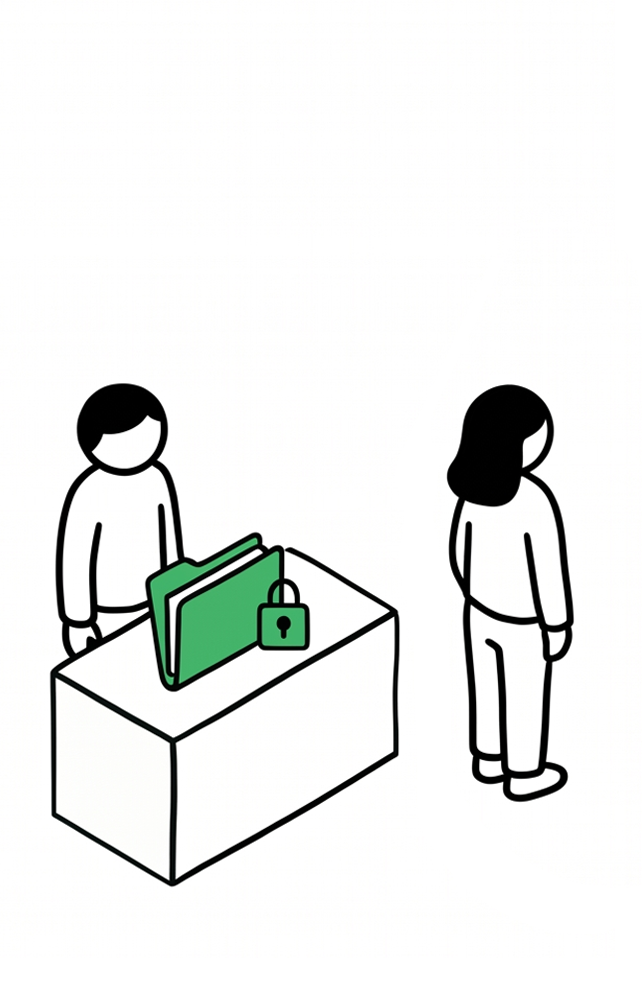
Hidden — door locked

04

Hidden

The AI knows nothing. Generic responses only. Safe, impersonal, sometimes exactly right.

Hobby AI: health data hidden

Connective

Connect — Bridging each other's worlds

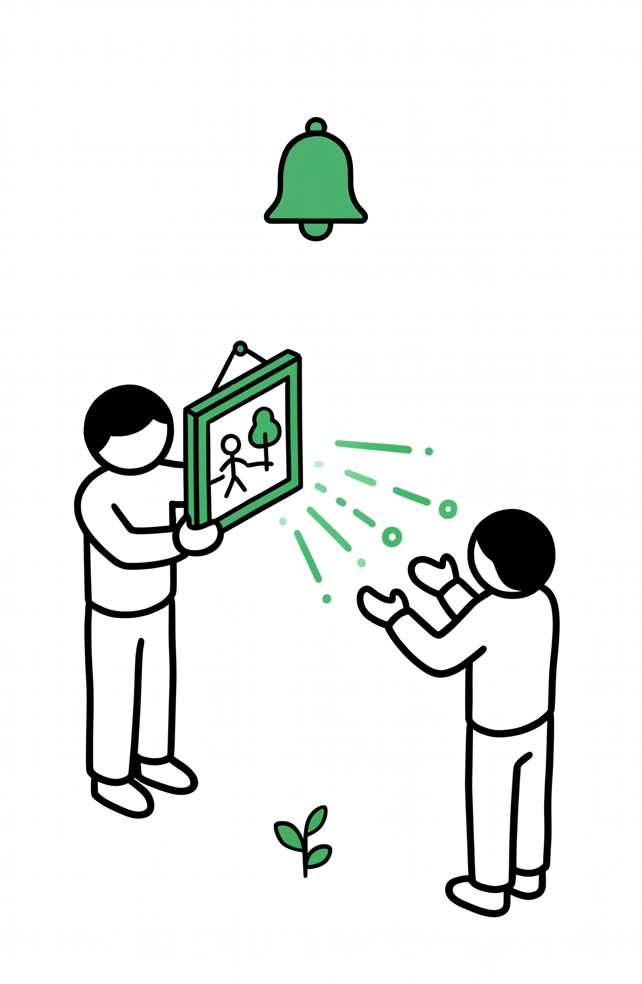
Push — notify immediately

01

Push

Notify immediately when something new appears. The person actively wants to share.

Daughter's art posts: notify family immediately

Digest — weekly summary

02

Digest

A weekly summary. Distill too much into just the essence.

Wife's dance videos: 30-second highlights weekly

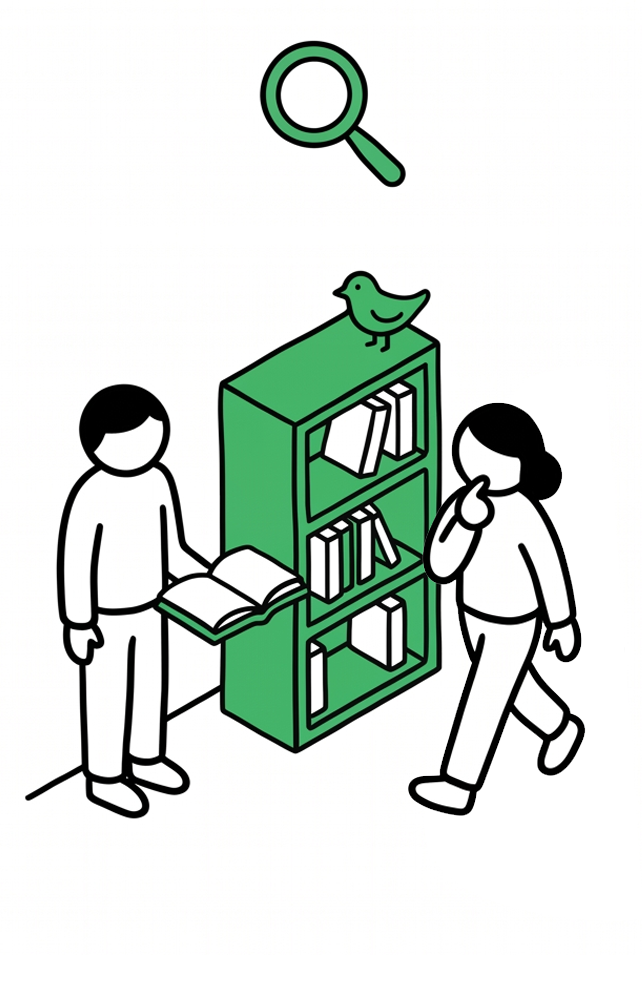
Available — library open on request

03

Available

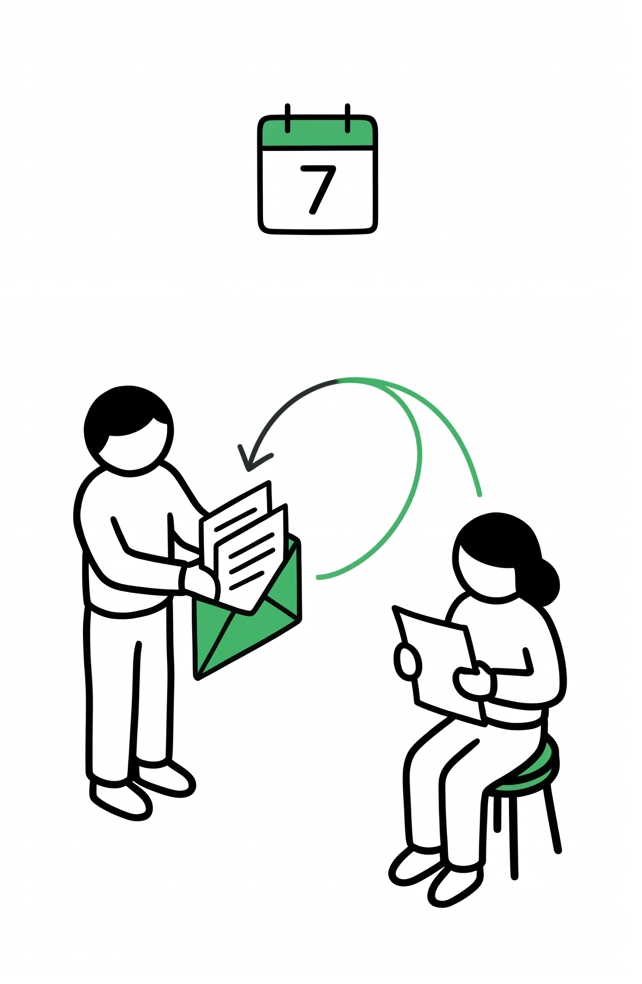
Only when asked. The library is open but no notifications go out.

Dad's Kindle: daughter can browse when she wants

Off — fully private

04

Off

This domain is not shared, even with family. Fully private.

Daughter's private playlists: not shared

Disclosure Architecture

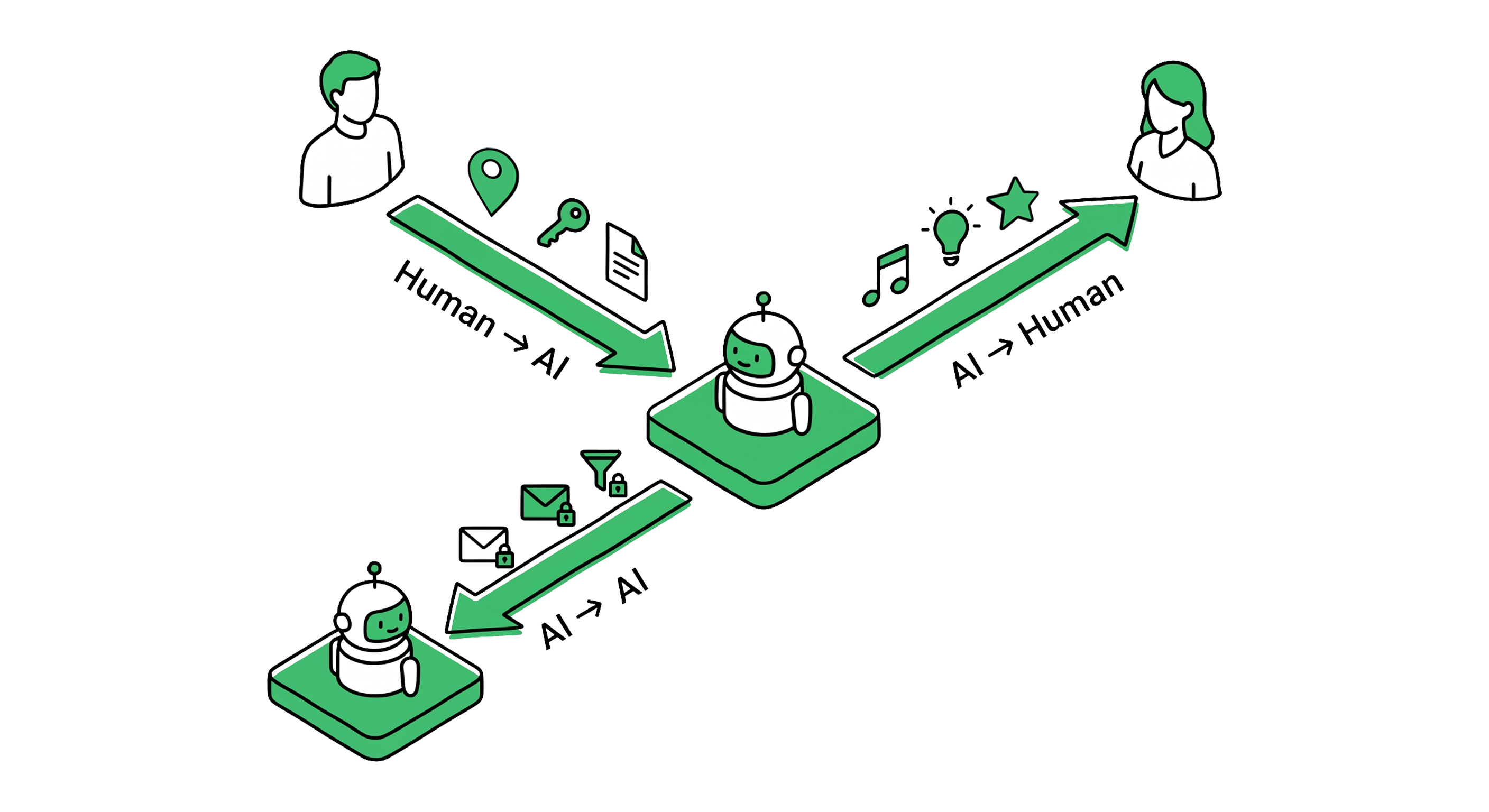
Information flows in three directions — and needs two axes.

The Disclosure Dial doesn't just control "whether you tell the AI." Information flows in three distinct directions, each with its own granularity and permissions. Within those flows, two axes govern the full permission surface: Intake Disclosure (what AI is allowed to know) and Share Disclosure (who AI is allowed to tell).

Information flows in three directions — Human to AI, AI to Human, AI to AI/External
Human → AI

Disclose

The Protective direction. What data do you share with the AI? Per domain, per AI service.

Health data: Full to medical AI, Hidden from hobby AI

AI → Human

Share · Filter

The Connective direction. The AI bridges interests between family members at the right granularity — surfacing what matters, filtering what doesn't. V2 adds Share Disclosure: per-recipient output control over what the AI is allowed to mention.

Son's Minecraft BGM: suggest to Dad's Spotify

Aoi's music: known to AI · shared with Sota · withheld from Kiran

AI ↔ AI / External

Sync · Selective Disclosure

Controlled sharing with third parties and other people's AIs. Based on the person's intent, the AI decides what to share, with whom, and when.

Medical info: Full to Mom, Summary to Dad, Hidden from school

Share Disclosure · V2

Knowing is not the same as telling.

The AI knowing something and the AI sharing that something with a specific person are two separate permissions. Intake Disclosure controls the first. Share Disclosure — coming in V2 — controls the second.

The Aoi example. Aoi (15) has set her music Intake Disclosure to moderate — the family AI knows her taste in K-pop and girl groups. She is fine with that. What she is not fine with: Kiran (dad) finding out. Her music is her space. Sota (brother) can hear everything. Mai (mom) can hear a vague acknowledgment. Kiran hears nothing.

This is not an unusual ask. Teenagers, spouses, aging parents — every family has asymmetric information that people hold deliberately. The AI must respect the same social geometry the human already navigates.

Intake Disclosure (what AI knows) and Share Disclosure (who AI tells) are independent. The AI can know Aoi's music at full depth while being completely forbidden from mentioning it to Kiran. The V1 schema already reserves the slot (disclosure.share_with). V2 enforces it.

Why three, not one. Google Family Link, Samsung Kids Mode, and OS-level privacy toggles all model disclosure as a single binary — share or don't. The granularity of "full details to Mom, summary to Dad, hidden from school, plus AI-to-AI selective sharing for the school portal" exists in no platform today. The Disclosure Dial designs all three flows in one unified model.

Logical Dependency

Disclosure must come first

Most AI products talk about Autonomy — automation levels, permission tiers, how much the AI can do. Context Grammar's claim is direct: you cannot delegate what you haven't disclosed. Autonomy without prior Disclosure is logically incoherent.

Step 1 · Required

Open the Disclosure Dial

Decide what the AI can see: finances, health, family — domain by domain.

Step 2 · Now possible

Raise the Autonomy Dial

Domains with Disclosure can accept delegation. Domains with no Disclosure cannot.

⚠ No Disclosure × High Autonomy = logically impossible

Back to the restaurant: Telling the chef "surprise me" before mentioning a nut allergy could be dangerous. Full Autonomy with zero Disclosure creates real risk. The AI equivalent: authorizing a finance AI to act without telling it your account balance or spending limits.

The reverse works fine: Full Disclosure + zero Autonomy (Suggest only) is coherent. That is a health tracking app or a budgeting tool — it sees everything, but you stay in control. The constraint is one-directional: Disclosure ≥ Autonomy. Autonomy cannot exceed its Disclosure ceiling.

Concept · Disclosure × Autonomy Disclosure unlocks Autonomy. The logically impossible quadrant (Low Disclosure × High Autonomy) is the core constraint that shapes every design decision in Context Grammar.

Autonomy Dial

Four stages — not a continuous slider

The Autonomy Dial moves in four distinct stages. Each stage has a clear contract between human and AI. New domains always start at Suggest.

Suggest — AI offers options, you decide

Stage 01

Suggest

AI presents options. The human decides and executes. The AI does not act.

Yamashiro family: "Here are three soccer shoe options for Sota. Which do you want?"

Confirm — AI plans, you approve before action

Stage 02

Confirm

AI narrows to one candidate and asks before executing. One tap to proceed.

Yamashiro family: "Piano school A — book the trial visit? [Yes] [No]"

Notify — AI acts, tells you after

Stage 03

Notify

AI acts first, then reports. The human can undo; no pre-approval required.

Yamashiro family: "Aoi's club fee ¥8,500 transferred. Tap to undo."

Auto — AI handles it completely

Stage 04

Auto

AI acts silently. No notification unless something unusual happens. Log is always available.

Yamashiro family: Weekly grocery order. 15 weeks without issue. Nothing shown.

Trust grows from Suggest to Auto as the AI earns each step

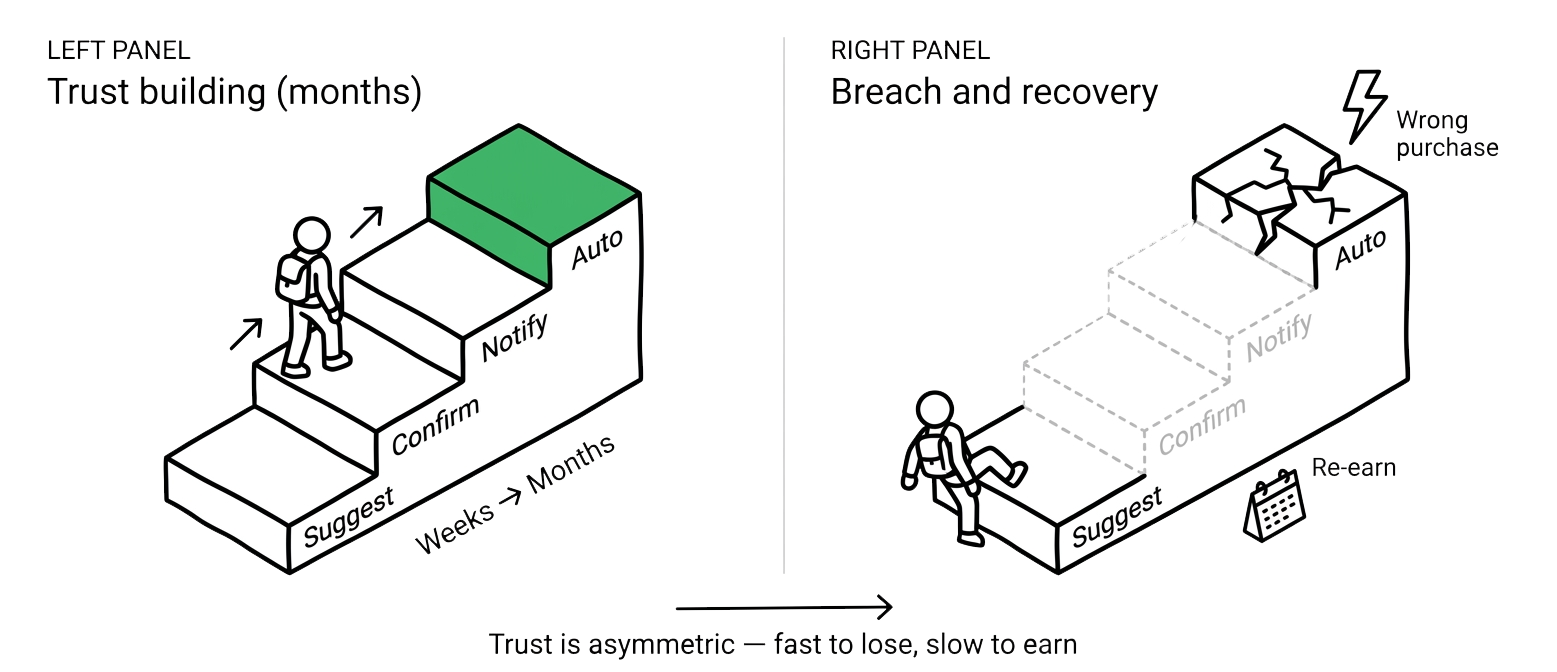
Promotion requires evidence. A new domain always starts at Suggest. After 10 successful interactions, it may move to Confirm. Three months of stable Notify performance may qualify for Auto. A single failure drops the dial back immediately. This is the trust staircase — asymmetric by design.

3 Forces

You don't control the Autonomy Dial alone

The common assumption: "I set my automation level." The reality: the Autonomy Dial position is the product of three forces acting simultaneously. Treating it as purely user-controlled misses two-thirds of the picture.

Force 01

Service default

Netflix autoplay, Amazon 1-Click, Spotify auto-advance — shipped at a high Autonomy level by design. No one chose it. The product decided.

Force 02

AI adjustment

The system promotes and demotes based on track record. 10 successes in a row → Auto upgrade. One failure → drops to Confirm. The AI evaluates its own confidence.

Force 03

User override

"Stop asking me every time." "Always check this one." Direct human intervention — but it is one of three forces, not the only force, and not always the strongest.

Autonomy position = Service default × AI track-record adjustment × User active override

Why this matters for designers: If you model Autonomy as a user preference only, the service provider's responsibility disappears. Netflix's autoplay was not chosen by users — it was a product decision that raised the Autonomy Dial for everyone by default. Context Grammar requires these three forces to be explicitly distinguished in the design, not collapsed into a single "automation level" slider.

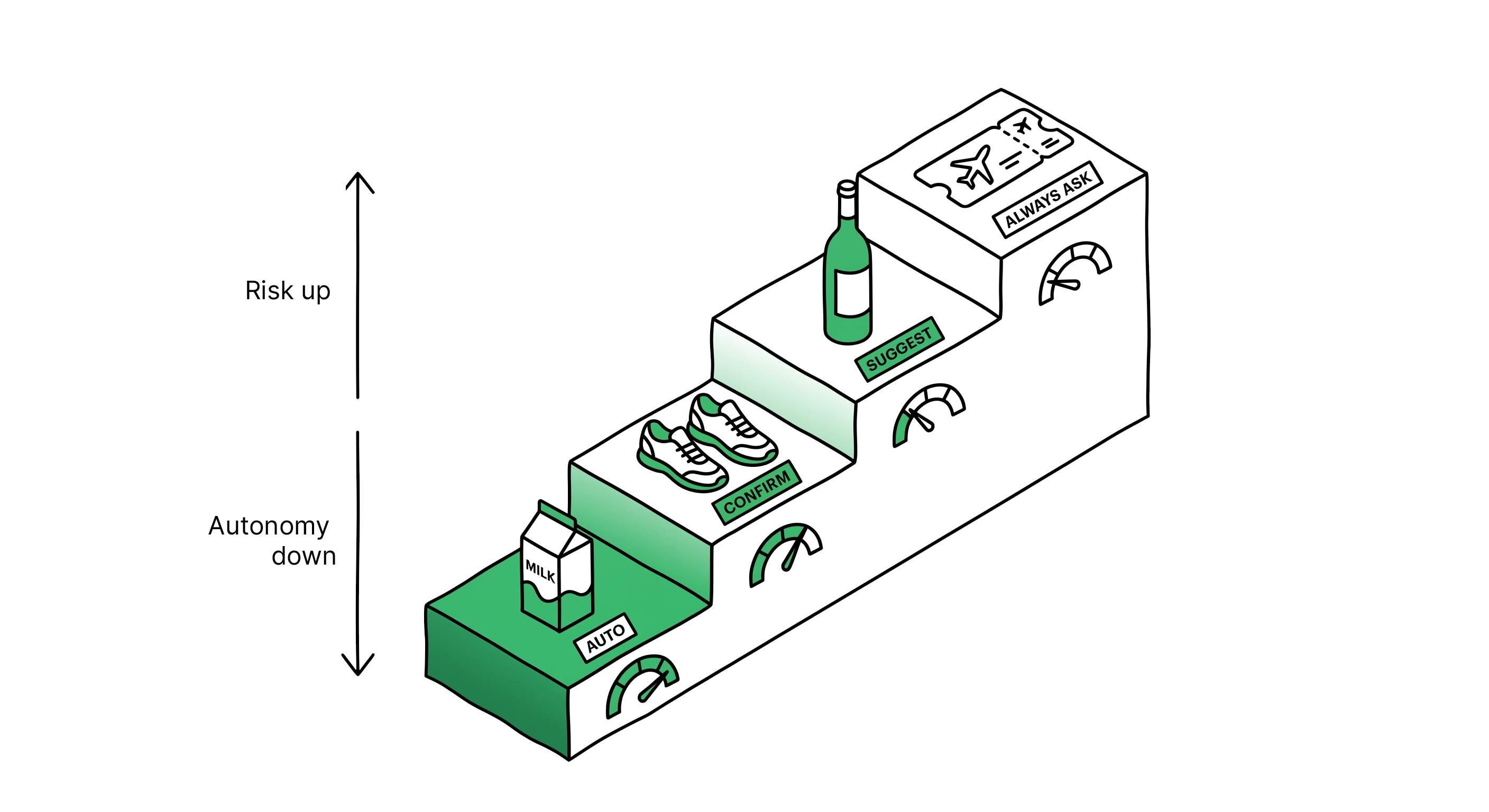
Dynamic Friction — risk tiers mapped to autonomy ceilings: Auto for snacks, Confirm for shoes, Suggest for wine, Always Ask for flights

Concrete Walkthrough

Mai's Tuesday morning

Abstract theory is over. Thirty seconds of one family's morning — tracking both dials as they move in real time.

"Sota's soccer shoes are too small. And Aoi's club fee — ¥8,500 — deadline is today."

— Mai (38) · Tuesday 7:42am · kitchen, speaking to home AI Kiran

1 AI reads Disclosure settings first Disclosure
Before acting, the home AI checks who may see what — per person, per domain.
Sota's shoe size: Disclosure = FULL (family AI has full access)
Household finances: Disclosure = FULL (visible to Mai and Kiran)
Aoi's school details: Disclosure = SUMMARY (parents see category, not content)
2 Autonomy dial differs by domain Autonomy
With Disclosure confirmed, the AI checks what stage of Autonomy applies to each action.
Children's essentials under ¥10,000: Autonomy = AUTO
Recurring monthly transfers: Autonomy = NOTIFY
New enrollment / first-time actions: Autonomy = CONFIRM
3 Three actions, three different stages Execute
Sota's shoes (¥6,800): Disclosure=FULL + Autonomy=AUTO. Budget confirmed. Shoe Agent orders immediately. Silent.

Aoi's club fee ¥8,500: Disclosure=SUMMARY (Aoi's school details visible as category only). Autonomy=NOTIFY. Executes, then sends post-action notice to Mai.

Piano school trial booking: First-time action in new domain. Autonomy=CONFIRM. "Book the trial visit at School A, Tuesday 4pm?" — waits for Mai.
4 Three notifications in three formats UI result
Mai's iPhone shows three things — each shaped by its Autonomy stage:

✓ Sota's soccer shoes ordered. ¥6,800. (silent — Auto)
📨 Aoi's club fee ¥8,500 transferred. (category only — Notify)
❓ Piano school A, Tuesday 4pm — confirm? [Yes] [No]
5 Aoi's Disclosure setting runs in parallel Aoi
Aoi (15) has set their own Disclosure: parents see the club fee exists, not the details. The AI enforces two Disclosure settings simultaneously — Aoi's toward parents, Mai's toward the AI. Same transaction, two privacy layers, both honored.

In 30 seconds: three Disclosure settings × three Autonomy stages running in parallel. No one programmed it. The family simply had breakfast.

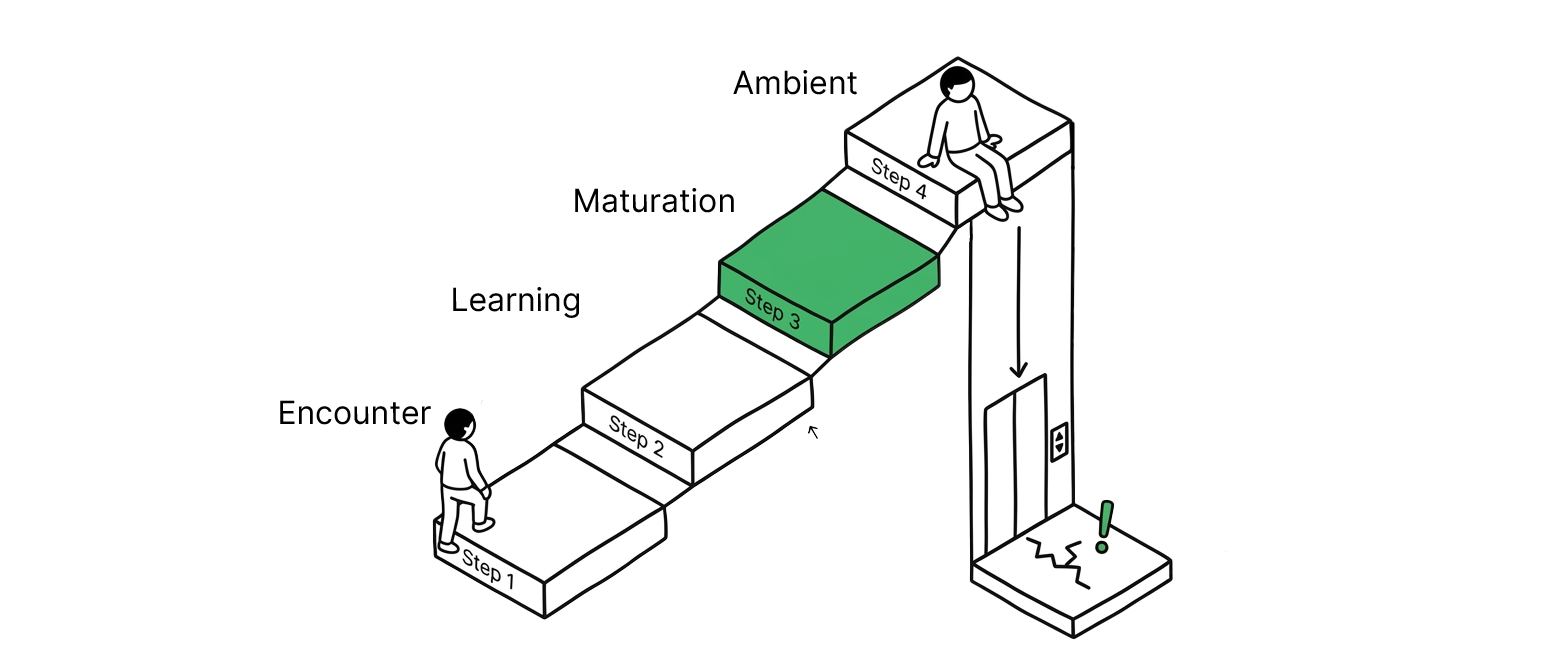
Temporal arc — five phases from Encounter through Learning, Maturation, Crisis, to Ambient

Multi-Brain Context

Dials are per-domain and per-person

The Yamashiro family shares one home AI. But there is no such thing as one shared Autonomy level or one shared Disclosure setting. Every person × every domain has its own dial pair — managed by the Coordinator Brain, which reads them all before orchestrating agents.

Mai · Finance

Disclosure Full
Autonomy Notify

Sota · Shopping

Disclosure Full
Autonomy Auto

Aoi · School

Disclosure Summary
Autonomy Suggest

Mai · Health

Disclosure Full
Autonomy Confirm

Kiran · Work

Disclosure Existence
Autonomy Suggest

Leo · Meals

Disclosure Full
Autonomy Auto

The Coordinator Brain reads all dial pairs before deciding which agents to run and in what mode. An agent never checks its own permission — the Coordinator checks on its behalf. This is what makes Multi-Person Orchestration coherent: the same home AI holds simultaneously different relationships with each family member in each domain.

Trust Breach Recovery — instant retreat, accountability, gradual recovery path

Common questions answered

Common questions answered

Q1. Isn't Disclosure Dial the same as a privacy setting?

No. Privacy settings are binary — location on/off, data share yes/no. The Disclosure Dial has four levels (Full, Summary, Existence, Hidden) × per domain × per person. Sota's shoe size is Full for the family AI, Existence-only for a school app, Hidden from any third-party retailer. Current OS-level privacy settings cannot express this.

Q2. If Autonomy is on Auto, does the human stop being involved?

No. Auto means no per-action notification — not no oversight. Logs are always available. Undo is always possible. Exceptions can always be added ("always confirm flights over ¥30,000, even in Auto mode"). Auto is "I trust the waiter's judgment for the routine items." The manager has not left the building.

Q3. Can a Disclosure setting be closed again after it's been opened?

Yes — it's a dial. Setting Disclosure to Hidden stops new information flowing to that domain from now on. But information already learned by the Brain requires a separate "forget" request. Closing the dial and erasing the memory are two different operations. The Brain page covers memory architecture in detail.

Q4. When a family shares one AI, whose dials apply?

Each member holds their own dial pair. The Yamashiro home AI carries five sets — Mai, Kiran, Aoi, Sota, Leo — each with its own Disclosure × Autonomy configuration per domain. The Coordinator reads all of them when a cross-domain action is needed. This is what Multi-Person Orchestration means: one AI system, multiple simultaneous relationship contracts.

Q5. Does ChatGPT or Gemini already have this?

Partially. ChatGPT's memory feature is a basic Disclosure mechanism. Operator-level permissions in API products are a rough Autonomy tier. But no current product offers both as a unified design — calibrated per domain, per person, with the three-force model for Autonomy and a clear dependency rule (Disclosure ≥ Autonomy). That unified vocabulary is what Context Grammar proposes.

Memory without trust controls is surveillance.

Context Brain stores the memory. The 2 Dials control access and action. Together, they let AI work on your behalf — without working against you.

← Back to Overview